background

Scan & Pay with MariBank

Make payments to over 40,000 merchants simply by scanning the NETS, PayNow and/or SGQR codes.
Download App
simulator

What is Scan & Pay?

Accepts PayNow, NETS & SGQR

40,000+ merchants

Fast & Secure Payments

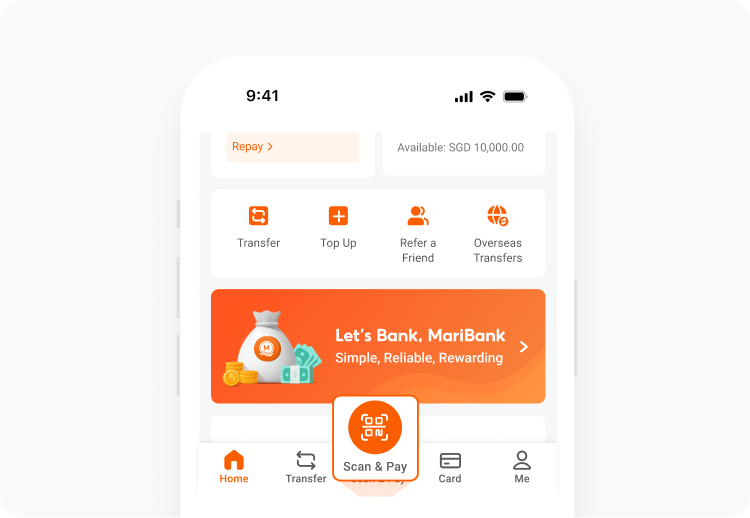
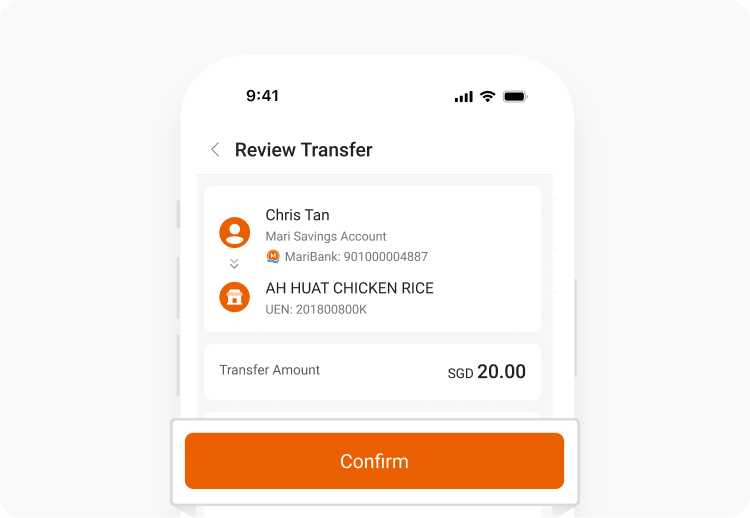
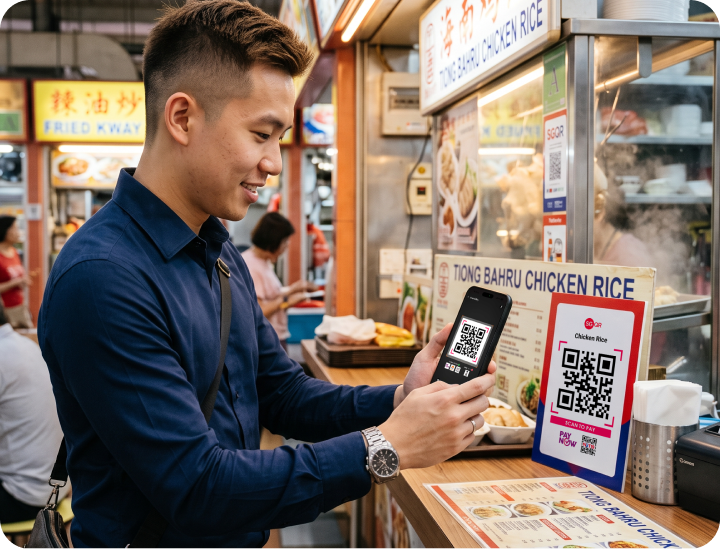
Scan & Pay lets you make instant, cashless payments across Singapore using your MariBank app.  By supporting both NETS and PayNow through the unified SGQR scheme, you can effortlessly pay at over 40,000 locations islandwide. Look for the SGQR label or PayNow QR at your favourite hawker stalls, F&B outlets, and retail shops, scan it with your app, and complete your transaction in seconds.

How to Use Scan & Pay?

You can use Scan & Pay in two ways:

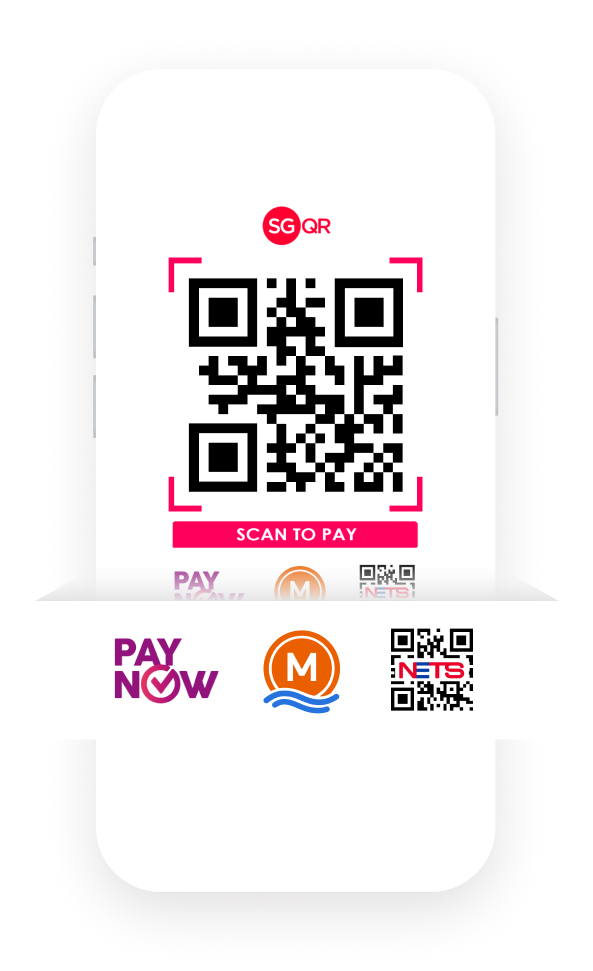
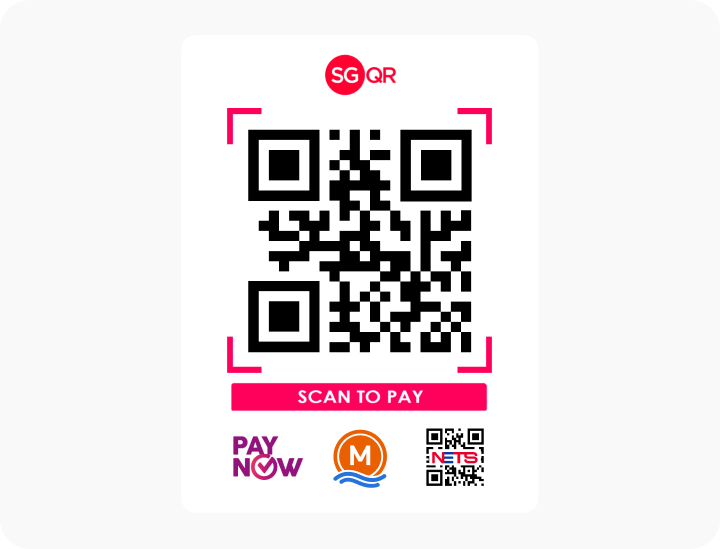
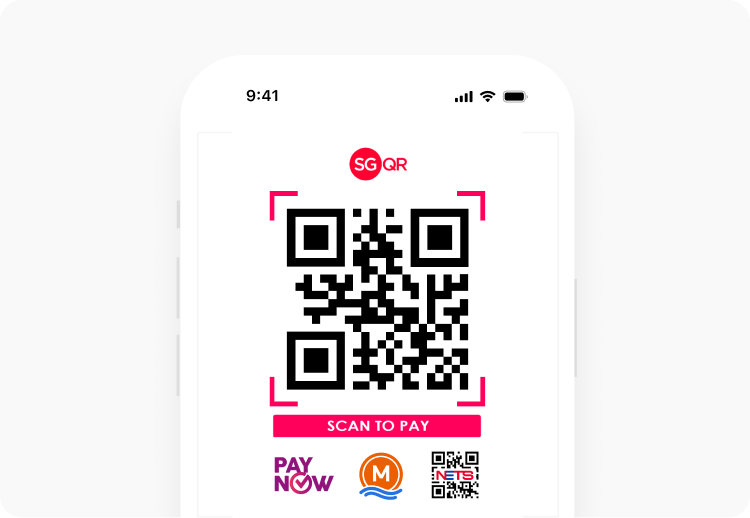
SGQR sticker label

Look for PayNow, MariBank or NETS logo on any sticker and scan with the MariBank app.
SGQR sticker label

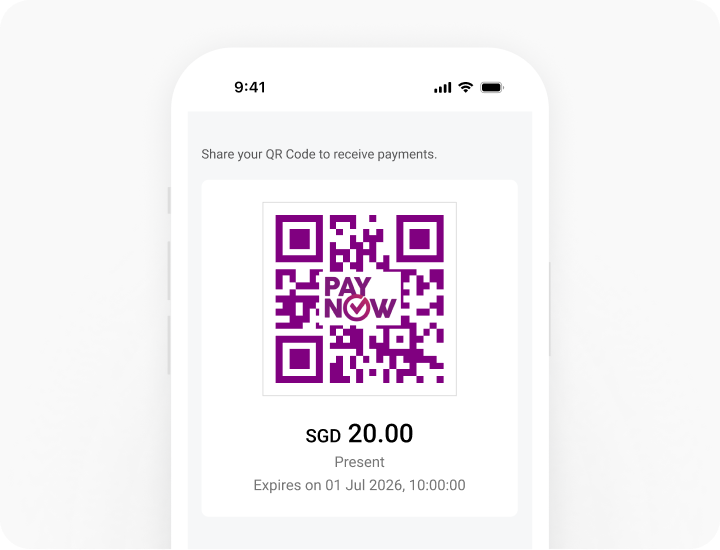
PayNow QR

You can also scan PayNow QR codes using your MariBank app.

PayNow QR

Where Can I Use Scan & Pay?

Use MariBank Scan & Pay at over 40,000 acceptance points across Singapore,  from hawker centres and neighbourhood merchants to F&B outlets and retail stores.

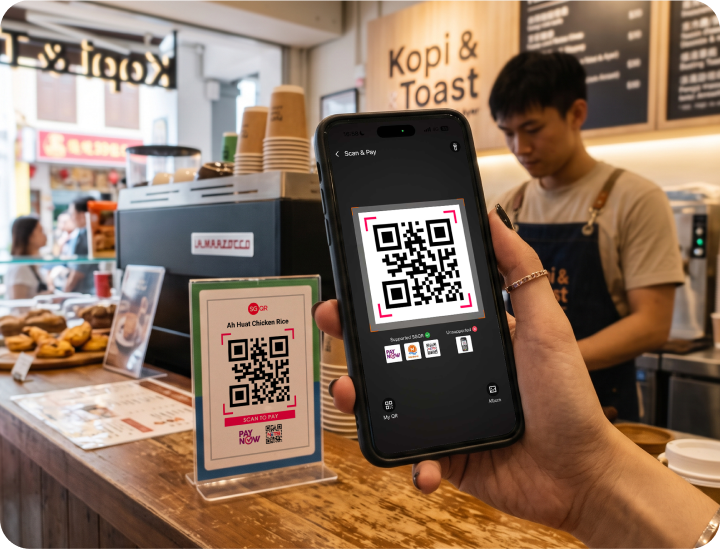
F&B Outlets

Pay at cafés, restaurants and food & beverage outlets across Singapore.
F&B Outlets

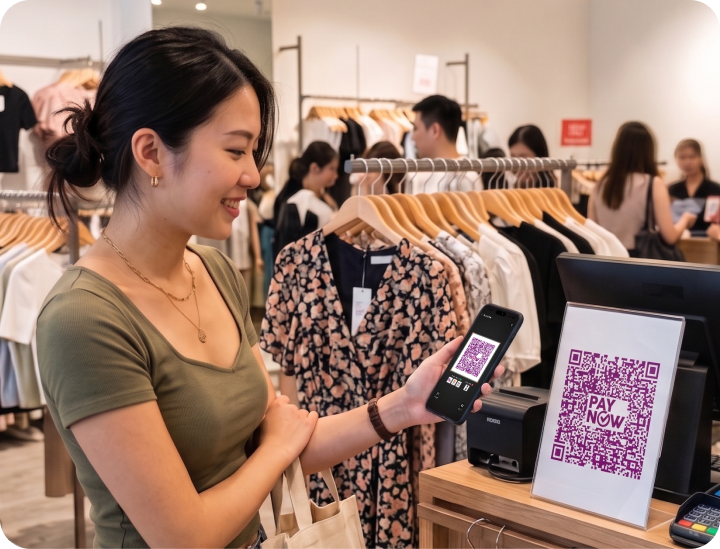
Retail Stores

Shop conveniently at participating retail and lifestyle merchants across Singapore.
Retail Stores

Heartland & Hawker Centres

Pay for everyday meals at local hawker stalls and neighbourhood coffee shops.
Heartland & Hawker Centres

How It Works

NETS QR payment availability for static (non-electronic) QR codes depends on individual SGQR partner configurations and is unavailable at schools, charities, army camps, and MINDEF/MOE buildings. NETS payments are also unavailable for electronically generated QR codes or payment terminals.

tutorial step Step 1:
Step 1:
Download the MariBank App from the Apple App Store, Google Play Store, or Huawei AppGallery.
prev
next